Every PDF tool you need.
None of the cloud.
View, annotate, edit, sign, convert, organize and protect PDFs in one fast desktop app. Everything happens on your computer — no account, no uploads, no telemetry.
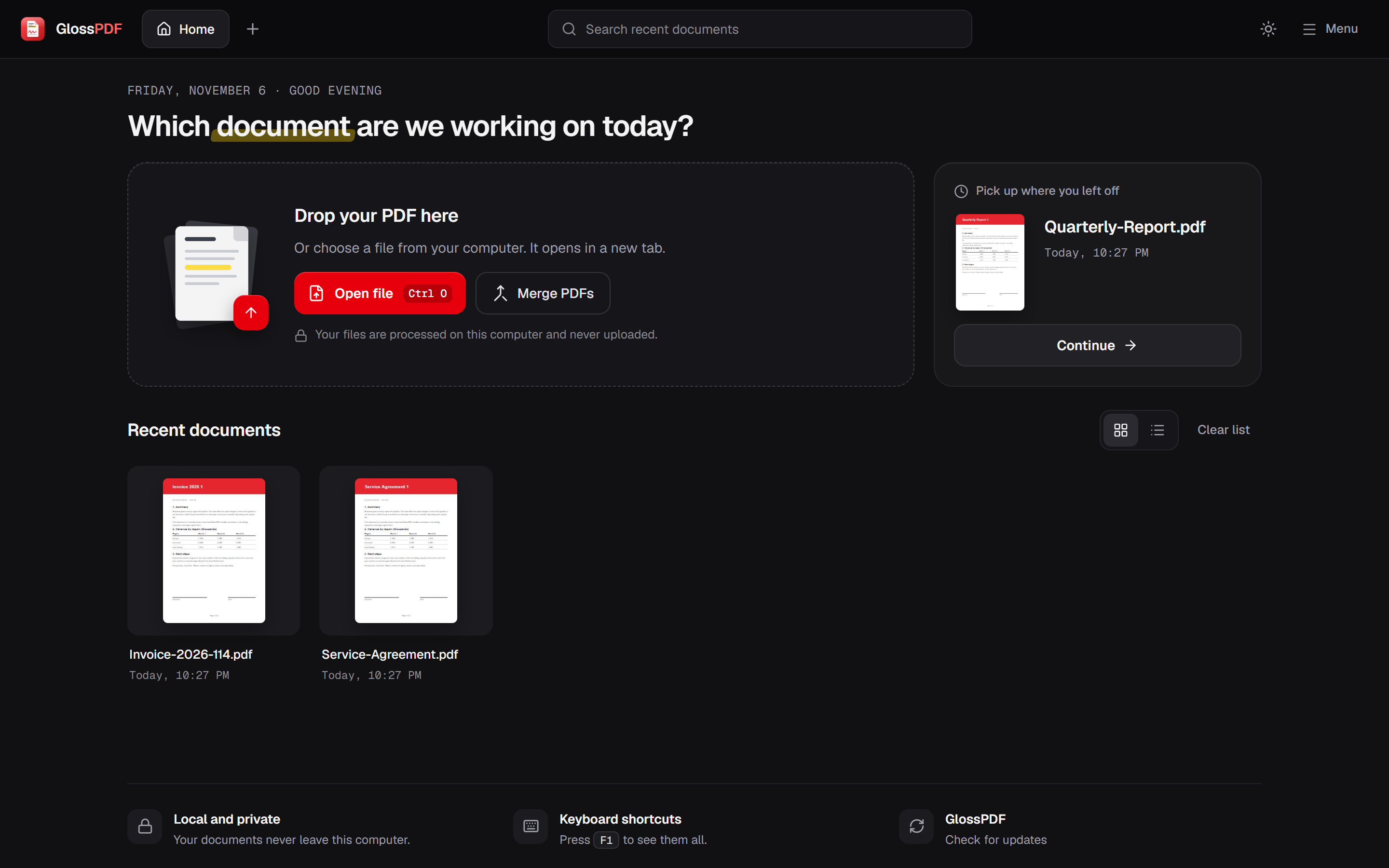
Real editing, not just viewing.
The tools you reach for every day, built into one clean window.
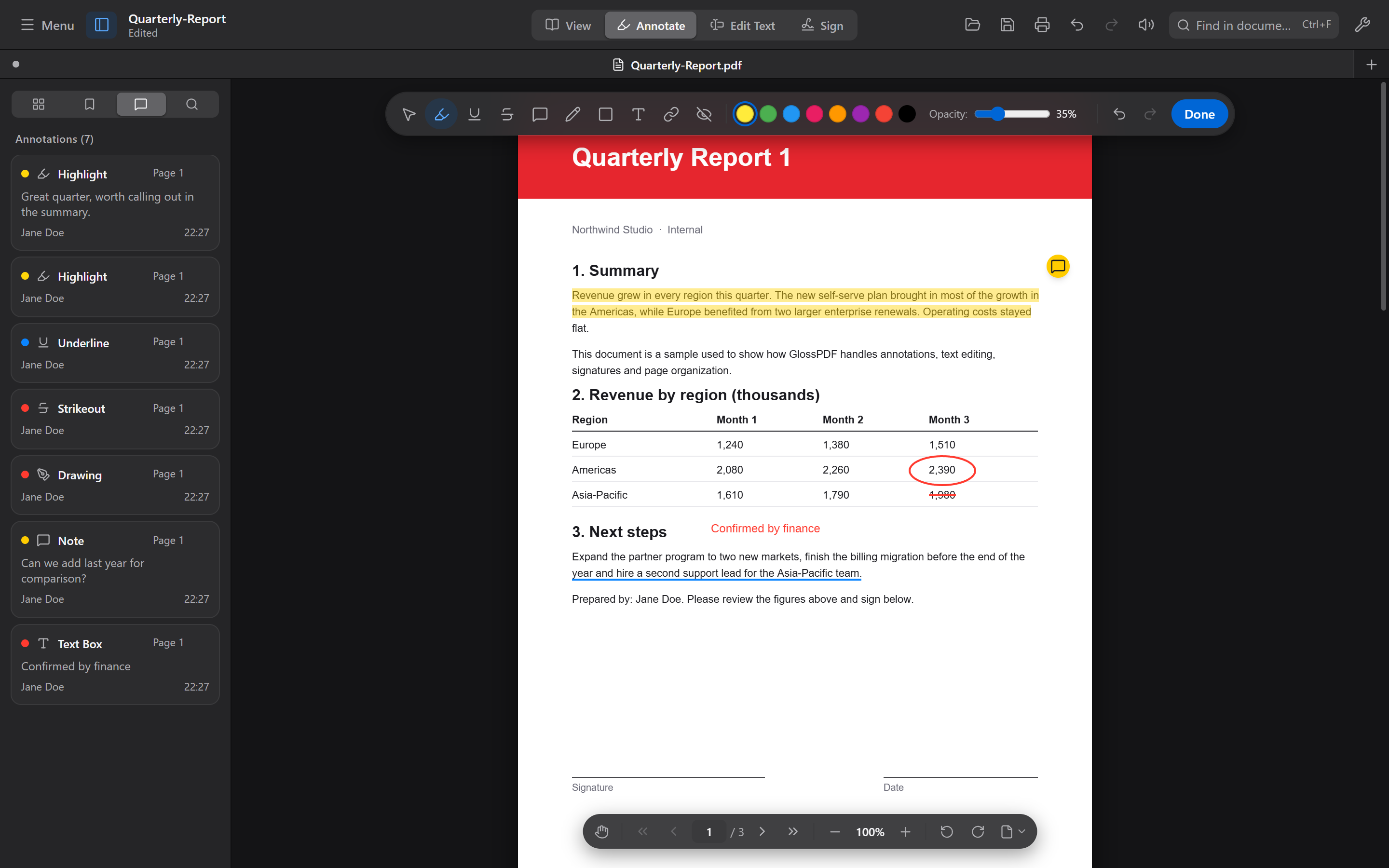
Mark up anything
Highlight, underline, strike out, add sticky notes, draw with the pen, place shapes and text boxes. Everything is saved as standard PDF annotations, so it looks the same in any viewer.
- Adjustable highlight opacity
- Comments sidebar for every note
- Full undo and redo
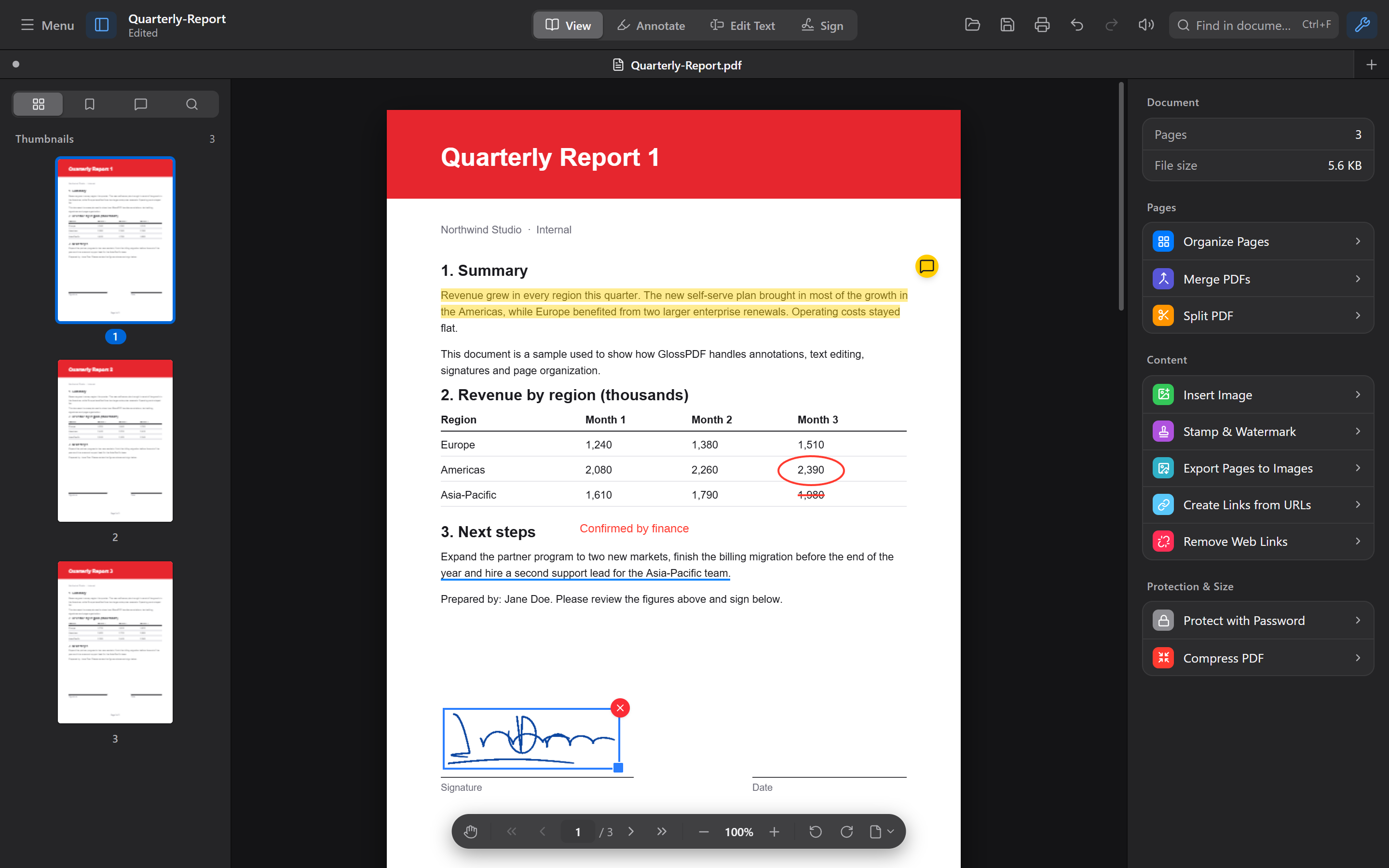
A full toolbox,
one click away.
Convert, compress, protect and redact without uploading a single page to someone else’s server.
Convert to Office
Turn a PDF into an editable Word document, an Excel workbook or a PowerPoint deck — right on your machine.
Password protection
Encrypt a document with a password, and open protected files you receive.
Compress
Shrink large files. Text and vector graphics stay untouched.
Redact
Draw over sensitive content. On save, what’s underneath is removed from the file.
Quick tools panel
Organize, merge, split, watermark, protect and compress — grouped in one panel.
Merge and split
Combine files or split by page ranges.
Watermarks and stamps
Position, angle and opacity with live preview.
Read aloud
Uses your system’s text-to-speech voices.
Images in and out
Insert images, export pages as PNG or JPEG.
Fill forms
Text fields, checkboxes and dropdowns.
Print with annotations
Your markup comes out on paper too.
Zoom 8% to 800%
Fit page, fit width and Ctrl + wheel.
Tabs and drag-and-drop
Open many files, set as default PDF app.
Your documents never leave your disk.
Contracts, invoices, medical records — they stay on your computer. GlossPDF has no servers to send them to, and it works with your Wi-Fi switched off.
Read the privacy details- Your documents
- never uploaded
- Account
- not required
- Telemetry and analytics
- none
- Network
- update check via GitHub only
Built for the keyboard
Press F1 in the app for the full cheat sheet. On macOS, use Cmd instead of Ctrl.
Your language, your theme
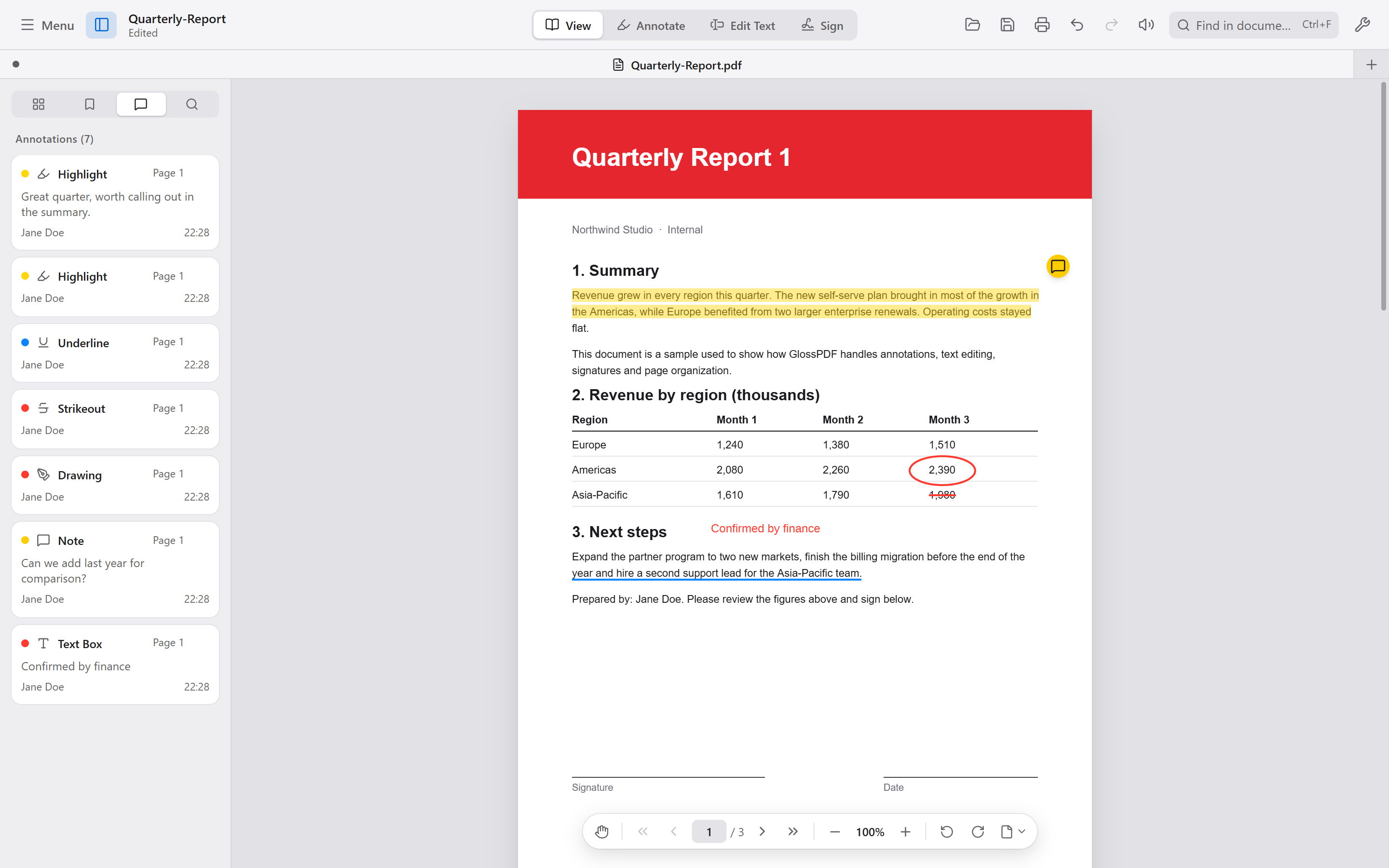
Follows your system language by default. Light and dark themes included.
Get GlossPDF for free.
Installed builds keep themselves up to date from GitHub Releases.
Windows
Installer, or a portable .exe that needs no installation.
macOS
For Apple silicon and Intel Macs.
Linux
AppImage for any distro, or a Debian package.
Installers aren’t code-signed yet, so Windows SmartScreen or macOS Gatekeeper may ask for confirmation on first launch. Every release is built from the public repository by GitHub Actions.
Free and open source.
Built in the open.
GlossPDF is licensed under GPL-3.0. Read the code, report an issue or send a pull request.
$ git clone https://github.com/mesubasi/glosspdf
$ cd glosspdf
$ npm install
$ npm run dev